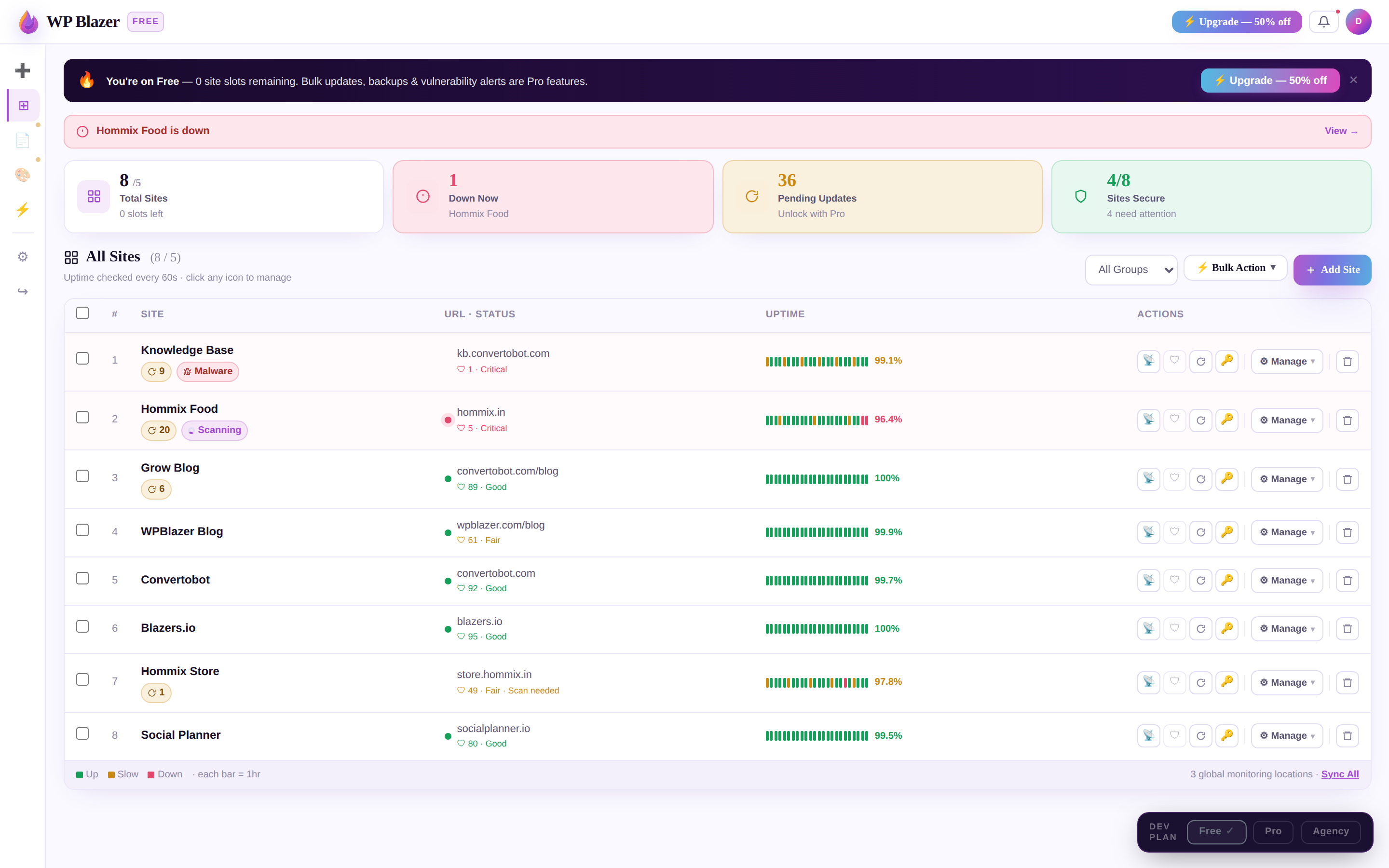
Get your free WordPress security & health report in 20 seconds.
Full security & health check — plugins, backups, speed & what to fix first.
Your report looks like this — free in 20 seconds
Report for your site
Here's the full picture — the threat landscape, your WordPress setup, vulnerabilities, technology, and what to do.
Security score
High risk
Google speed
Needs work (mobile)
Your site's risk is Elevated — and trending up.
Based on what we found — 2 critical vulnerabilities, no backup in place, and core 2 versions behind — BlazersX AI projects your site as meaningfully more likely to be compromised over the next 30–60 days than a fully-patched site. Most attacks on this profile are automated, not targeted — which is what makes an outdated, unmonitored site an easy mark.
A projection from your scan signals compared with patterns across the WordPress sites WP Blazer monitors — not a guarantee. Fixing the critical items below is what moves the forecast.
Get your full report + step-by-step fixes
Enter your email and we’ll send your report link and exactly how to fix each issue on your site.
Want it fixed now instead of manually?
Protect your site for $3 — one-click bulk updates, automated backups and vulnerability alerts across up to 10 sites.
| Component | Installed | Latest | Status |
|---|---|---|---|
| Contact Form 7 | 5.7.1 | 5.9.8 | Vulnerable |
| WooCommerce | 8.2.0 | 8.7.0 | Outdated |
| Elementor | 3.18.0 | 3.21.0 | Outdated |
| Yoast SEO | 21.5 | 22.6 | Outdated |
| Astra (theme) | 4.1.0 | 4.6.2 | Outdated |
| Akismet | 5.3 | 5.3 | Up to date |
Contact Form 7 — file upload vulnerability
WordPress core is 2 versions behind
No backup protection detected
What to do next
You don't have to use WP Blazer — here's how to handle each of these the right way.
A backup plan that saves you
- Stored off your host
- Daily & automatic
- A recent copy always on hand
Update without breaking
- Back up first
- Update all in one go
- Check, roll back if needed
If your site gets hacked
- Maintenance mode + new passwords
- Remove malware, restore from a clean backup
- Update everything & re-secure
What WordPress teams say
“Fully backed up and secure — I know I won’t lose my data. Compared to my old way of doing things, WP Blazer makes life much easier, and the suite saves me a ton of time.”— Chris B., Wireless Sales Executive
“WP Blazer makes it super easy to manage dozens of WordPress websites from one interface. It does what it says, and it saves me a lot of work and time each month.”— Curt S., Marketing & Advertising owner
“Three years in, it’s become an indispensable dashboard for managing all my WordPress installs. When I have a question or feature request, they reply within the hour.”— Mike, long-time user
Fix your site for $3
Less than a couple of coffees this month. One-click bulk updates, backups and vulnerability alerts across up to 10 sites. 30-day money-back guarantee.
Pro
- Up to 10 sites
- Automated daily backups (30-day)
- One-click bulk updates
- Real-time vulnerability alerts
- One-click plugin disable
Frequently asked
Is the scan safe to run?
What do I get if I upgrade?
Does WP Blazer fix the issues automatically?
What does it cost after the first month?
Can I cancel?
Is there a money-back guarantee?
Every site, fixed from one dashboard
Updates, backups and vulnerability alerts for all your WordPress sites in a single view — no more logging into each one.